Dipoles
Annotate Dipoles
napari-tomoslice annotate \
--tomogram-directory tomograms/ \
--annotation-directory tomograms/annotations/ \
--mode dipoles
- Load a tomogram using the tomogram browser on the right panel
-
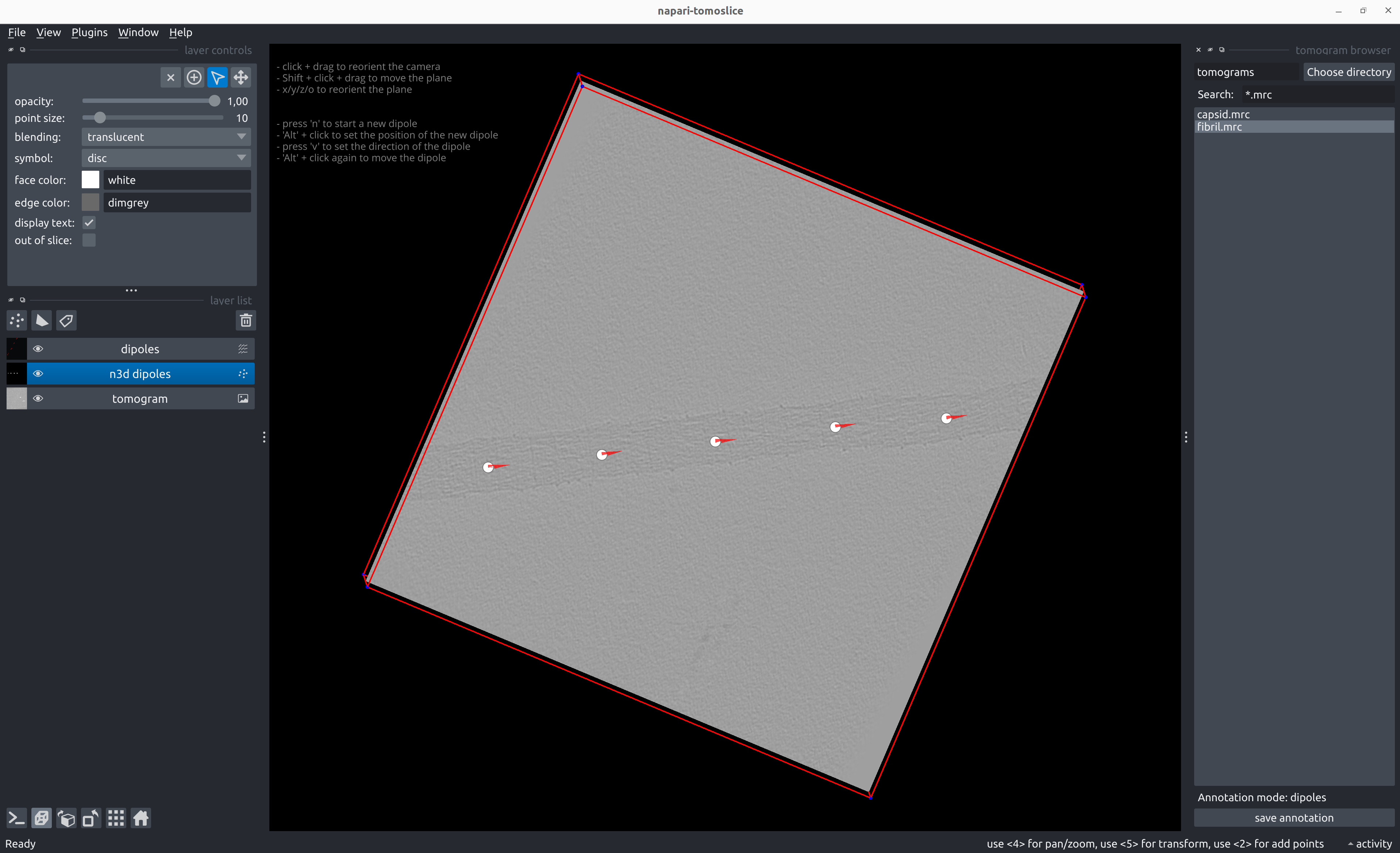
Annotate dipoles:
- Shift + click and drag to move the plane up/down
- Press 'x', 'y', 'z', or 'o' to reorient the plane
- Alt + click to position the center of the dipole
- Press 'v' to define the direction of the dipole vector
- Alt + click again to move/shift the dipole
- Press 'n' to start a new dipole
- To go back and change the position or direction vector of a previously added dipole:
- Select the dipole using 'Select points' from the Napari layer control panel on the left
- Alt + click to move/shift the position of the dipole
- 'v' to change the direction of the dipole
- To move the plane during/after adding dipoles:
- Select the tomogram layer from the Napari layer list control panel on the left
- Shift + click and drag to move the plane up/down
-
Save dipole annotations with the 'save annotation' button on the right panel
Example dipole annotation STAR file
data_dipoles

loop_
_x #1
_y #2
_z #3
_direction_x #4
_direction_y #5
_direction_z #6
368.092987      62.774464       47.000000       -0.491499       0.870878        0.000000
315.885254      156.151306      47.000000       -0.555069       0.831804        0.000000
263.149506      249.084579      47.000000       -0.481098       0.876667        0.000000
206.995789      347.166748      47.000000       -0.531959       0.846770        0.000000
159.092438      439.703857      47.000000       -0.523566       0.851985        0.000000
Generate Poses from Dipole Annotations
Direct Dipole
 napari-tomoslice generate-poses  dipoles direct \
 --annotations-directory tomograms/annotations/ \
 --output-star-file tomograms/direct.star
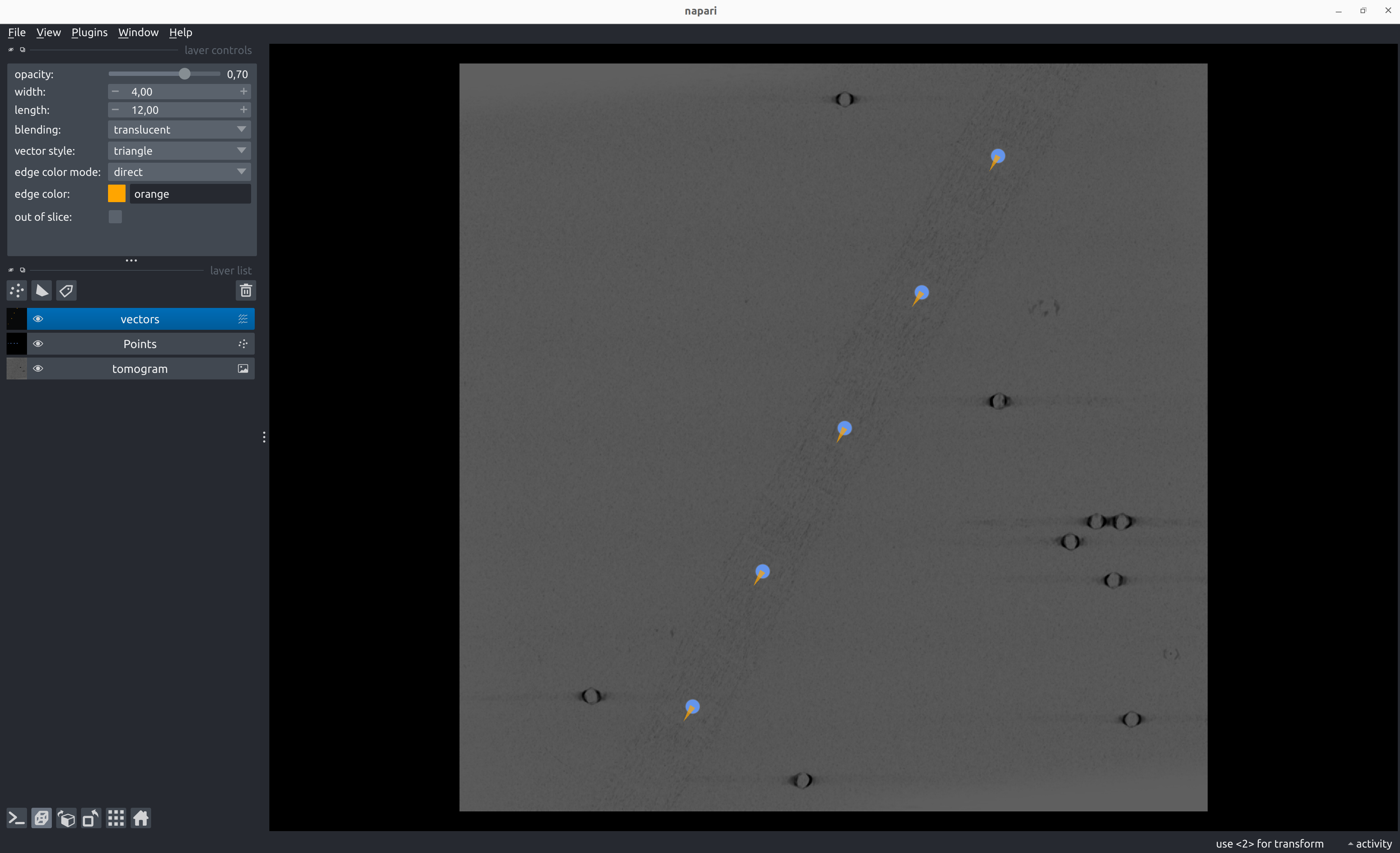
Example direct poses STAR file for dipole annotation
data_particles

loop_
_x #1
_y #2
_z #3
_rot #4
_tilt #5
_psi #6
_tilt_series_id #7
368.092987      62.774464       47.000000       -90.000000      90.000000       60.560842       TS_01
315.885254      156.151306      47.000000       -90.000000      90.000000       56.284523       TS_01
263.149506      249.084579      47.000000       -90.000000      90.000000       61.242866       TS_01
206.995789      347.166748      47.000000       -90.000000      90.000000       57.862084       TS_01
159.092438      439.703857      47.000000       -90.000000      90.000000       58.428239       TS_01
Disk Dipole
napari-tomoslice generate-poses dipoles disk \
--annotations-directory tomograms/annotations/ \
--output-star-file tomograms/disk.star \
--distance-between-particles 10 \
--disk-radius 30
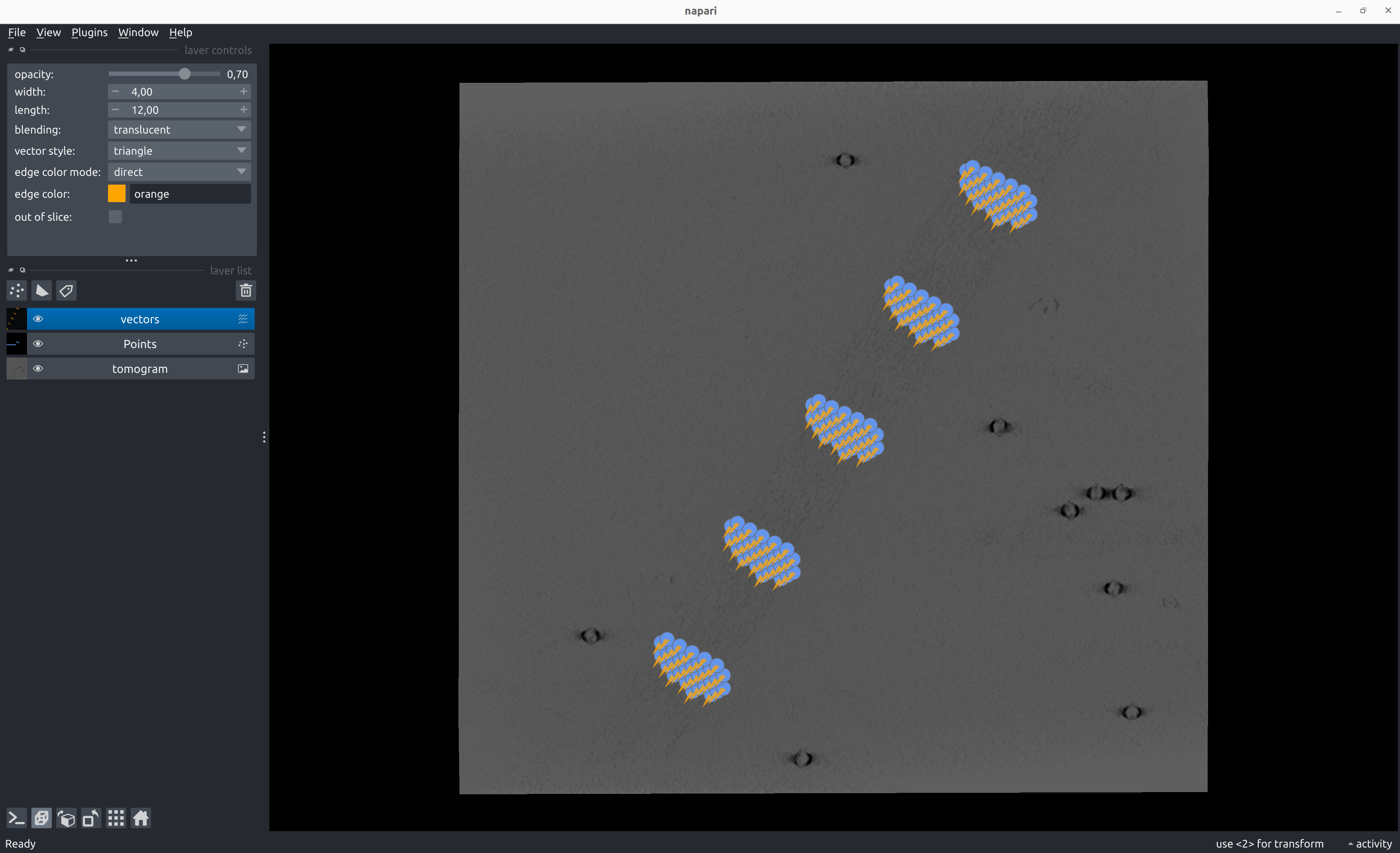
Example disk poses STAR file for dipole annotation
data_particles

loop_
_x #1
_y #2
_z #3
_rot #4
_tilt #5
_psi #6
_tilt_series_id #7
368.092987      62.774464       77.000000       -90.000000      90.000000       60.560842       TS_01
355.029815      55.401978       68.339746       -90.000000      90.000000       60.560842       TS_01
363.738596      60.316969       68.339746       -90.000000      90.000000       60.560842       TS_01
372.447378      65.231959       68.339746       -90.000000      90.000000       60.560842       TS_01
381.156159      70.146950       68.339746       -90.000000      90.000000       60.560842       TS_01
350.675425      52.944483       59.679492       -90.000000      90.000000       60.560842       TS_01
359.384206      57.859473       59.679492       -90.000000      90.000000       60.560842       TS_01
368.092987      62.774464       59.679492       -90.000000      90.000000       60.560842       TS_01
376.801768      67.689455       59.679492       -90.000000      90.000000       60.560842       TS_01
...
Convert Poses into Relion 5 STAR files
napari-tomoslice convert-poses \
--input-file tomograms/disk.star \
--output-type relion5 \
--output-file tomograms/disk-relion.star
Example Relion 5 STAR file for dipole annotation
data_particles

loop_
_rlnCoordinateX #1
_rlnCoordinateY #2
_rlnCoordinateZ #3
_rlnAngleRot #4
_rlnAngleTilt #5
_rlnAnglePsi #6
_rlnTomoName #7
368.092987      62.774464       77.000000       -90.000000      90.000000       60.560842       TS_01
355.029815      55.401978       68.339746       -90.000000      90.000000       60.560842       TS_01
363.738596      60.316969       68.339746       -90.000000      90.000000       60.560842       TS_01
372.447378      65.231959       68.339746       -90.000000      90.000000       60.560842       TS_01
381.156159      70.146950       68.339746       -90.000000      90.000000       60.560842       TS_01
350.675425      52.944483       59.679492       -90.000000      90.000000       60.560842       TS_01
359.384206      57.859473       59.679492       -90.000000      90.000000       60.560842       TS_01
368.092987      62.774464       59.679492       -90.000000      90.000000       60.560842       TS_01
376.801768      67.689455       59.679492       -90.000000      90.000000       60.560842       TS_01
...